
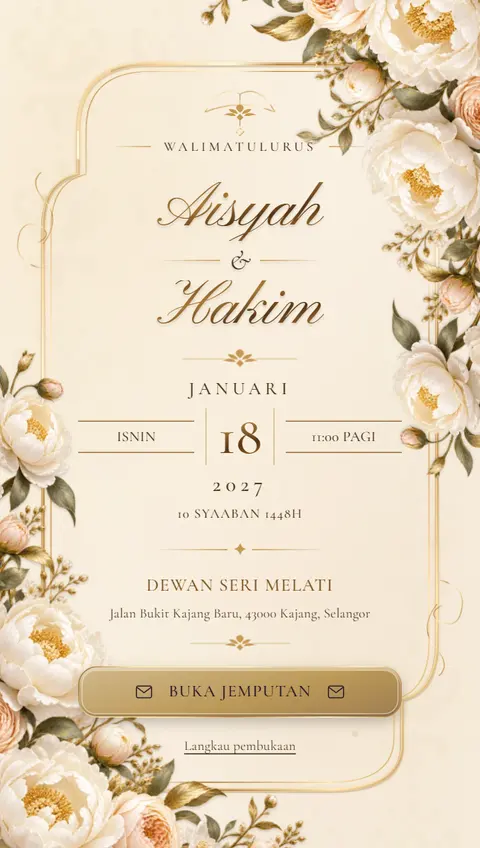
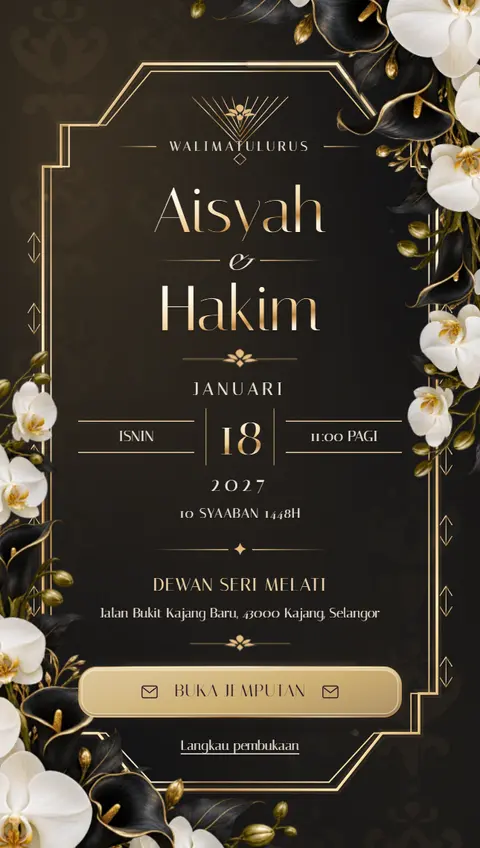
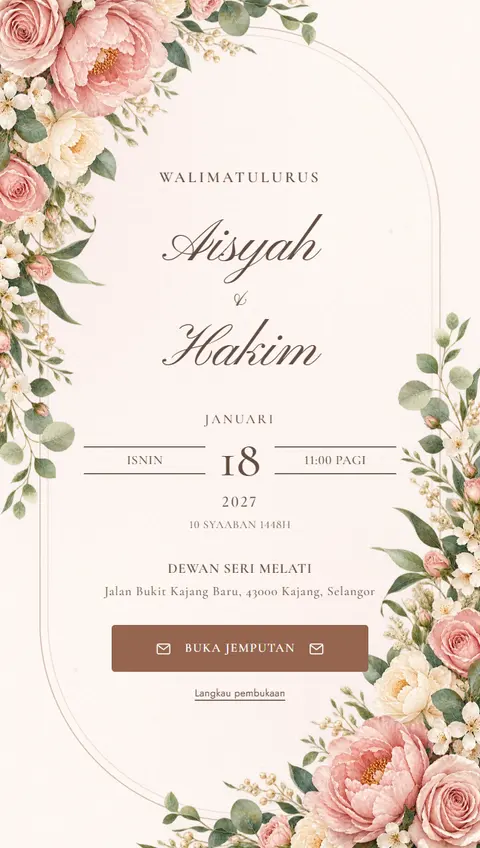
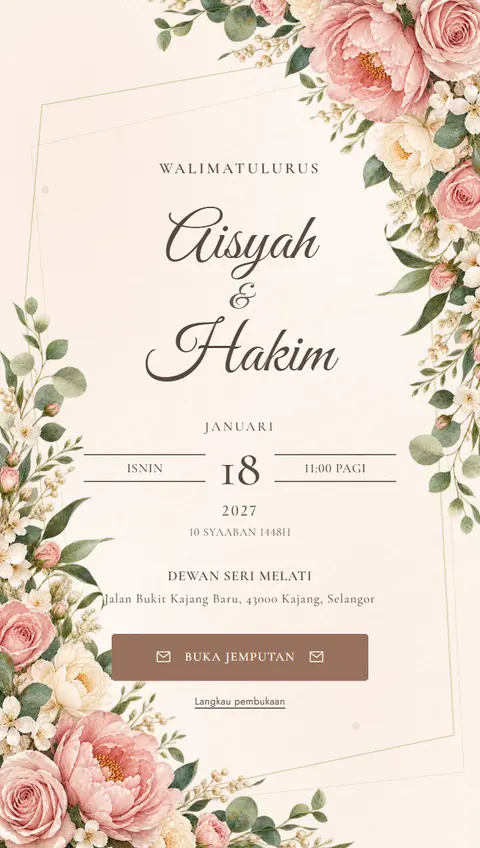
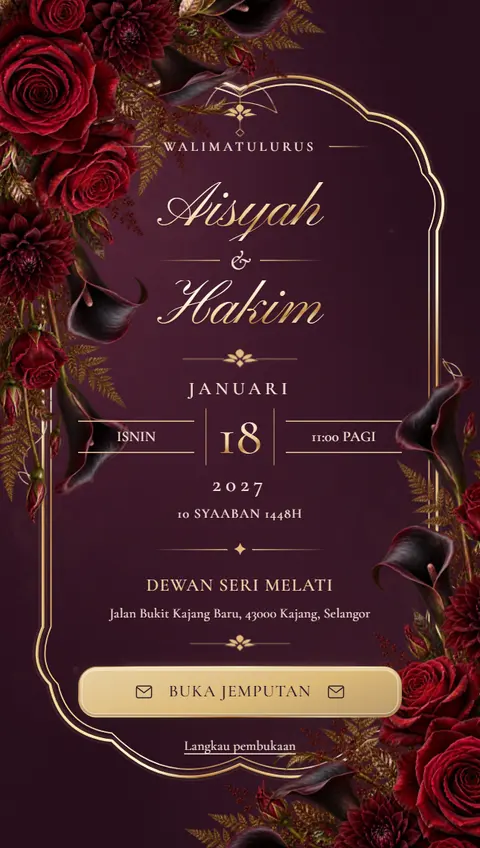
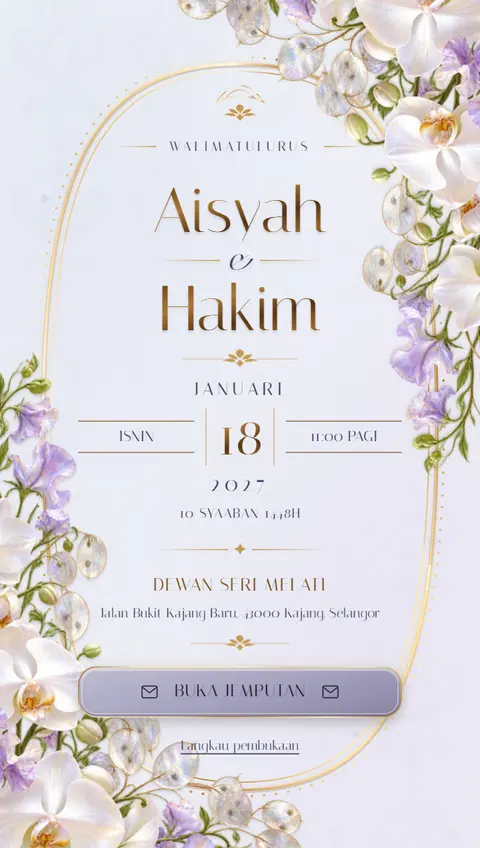
What is a digital wedding card?
A digital wedding card, or e-wedding card, is an invitation built as a small web page. Unlike a picture of a card, guests can tap buttons, open maps and RSVP from the card itself.
For example, Aisyah and Hakim create a card at nikahi.my/aisyah-hakim and send the link to their family WhatsApp group. An uncle opens it, taps Waze to check the hall, and confirms four people are coming. Aisyah sees that number in her guest list straight away.
What your card includes
- RSVP: guests confirm attendance and headcount. You set a limit per response and a closing date.
- Guest list: see the total headcount and download a CSV for your caterer.
- Directions: Google Maps and Waze buttons that go straight to the venue.
- Date: a countdown, the Hijri date and a save-to-calendar button.
- Wishes: guests leave messages and you choose which ones appear.
- Gifts: your bank details and QR code in a tidy gift section.
- Personal touches: photos, a gallery of up to 12 images, music, a schedule and contact numbers.
A note on language
Nikahi is built for Malaysian weddings, and our designs come with Bahasa Melayu wording. You can replace the main text with your own words in English in the Studio, but some buttons and labels stay in Bahasa Melayu.
How to start
- Browse the catalog of 129 designs and open a live preview.
- Fill in your details in the Studio and add your photos, colours and music.
- Publish, choose your link and share it on WhatsApp.